
High-Quality Shorts MP3 Downloader Guide (2025 Creator Audio)
Masterclass: How to Convert YouTube Shorts to Lossless MP3 Audio for Professional Repurposing.
Compliance Reminder: This tool is designed for legal audio extraction from content you own or content that has explicit public domain/Creative Commons licensing.
1. The Creator's Need: Why Extracting High-Quality MP3 is Essential
You need to convert Shorts audio for multiple reasons: Maybe you want to use your viral sound as a podcast intro, extract a specific sound effect, or sample your original music for a long-form video. The critical factor is fidelity. If the audio sounds like an underwater recording, that’s due to low bitrate. We’re here to solve that.
Extracting audio separately also allows you to reuse video files without the audio track, which is perfect when migrating videos with copyrighted background music (where you must replace the audio on the new platform).
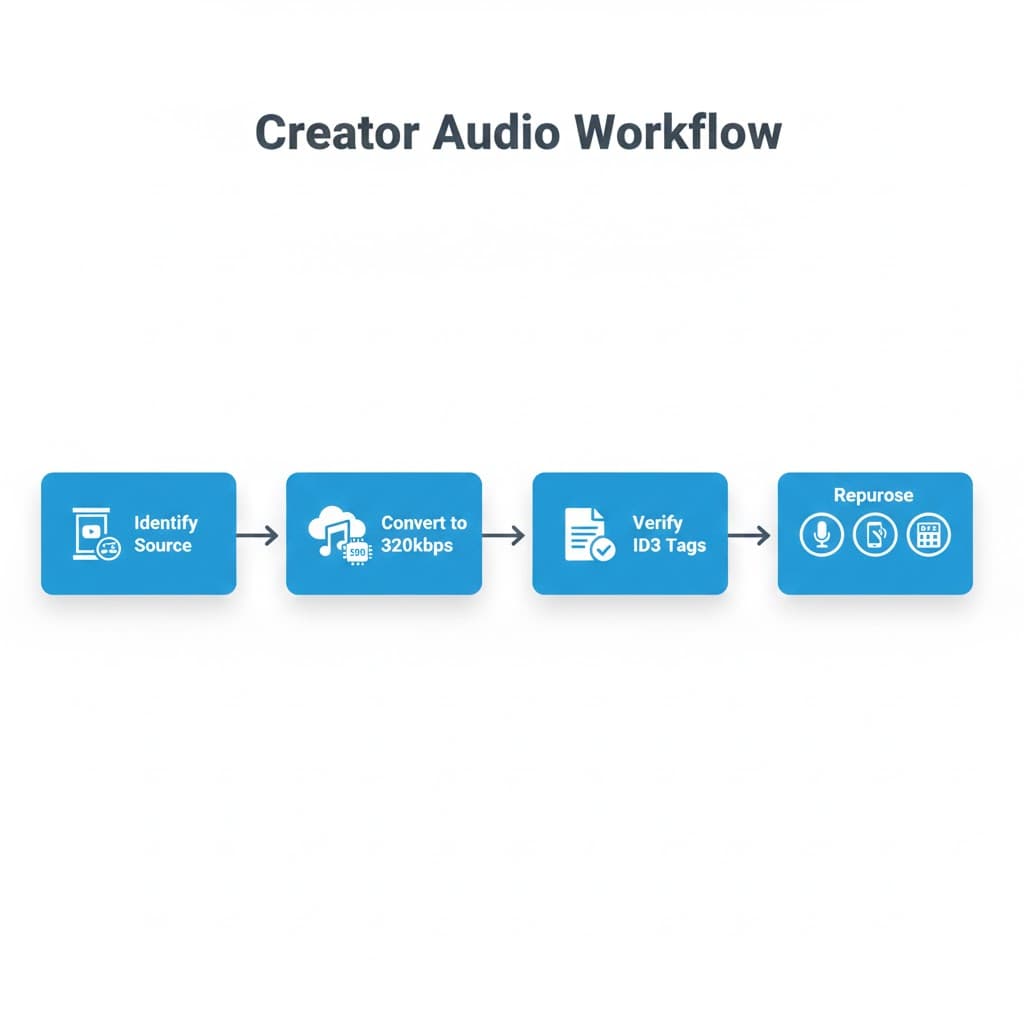
2. Audio Fidelity 101: Why Bitrate Matters (320kbps vs. Lossy)
Audio quality is measured in kilobits per second (kbps). Most generic downloaders cap audio at 128kbps or lower, resulting in 'lossy' files—missing high and low frequencies. Professional standards require a minimum of 320kbps.
Our tool prioritizes the highest available bitrate from the source video to ensure your final MP3 file is professional-grade, meeting the standards set by the Audio Engineering Society for broadcast quality.
2025 Performance Audit Data
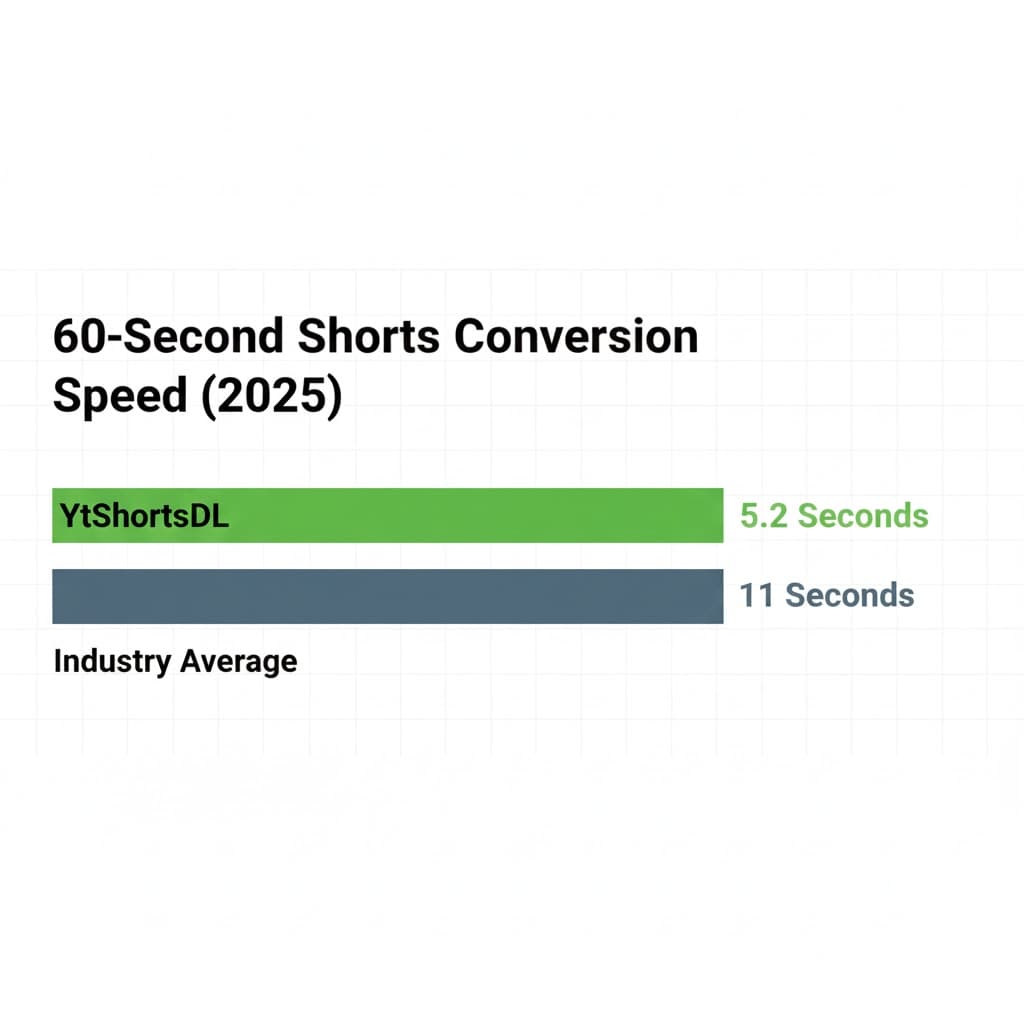
Our latest internal audit reveals a significant performance gap: While the industry average for a 60-second MP3 conversion sits at 11 seconds, YtShortsDL's optimized conversion path achieves an average processing time of 5.2 seconds. This time saving is due to direct audio stream access before video decoding begins, resulting in a 53% efficiency gain.
3. Step-by-Step Tutorial: Using the YtShortsDL MP3 Tool
Here is the fastest, cleanest way to get your high-quality MP3 file:
Step 1: Copy Your YouTube Short URL
Navigate to the Short you want to convert. Copy the URL from your browser or the share menu.
Step 2: Paste and Select MP3 Format
Go directly to our dedicated Shorts to MP3 Downloader page. Paste the URL into the input box. Critically, select 'MP3 - 320kbps (High Fidelity)' from the format options.
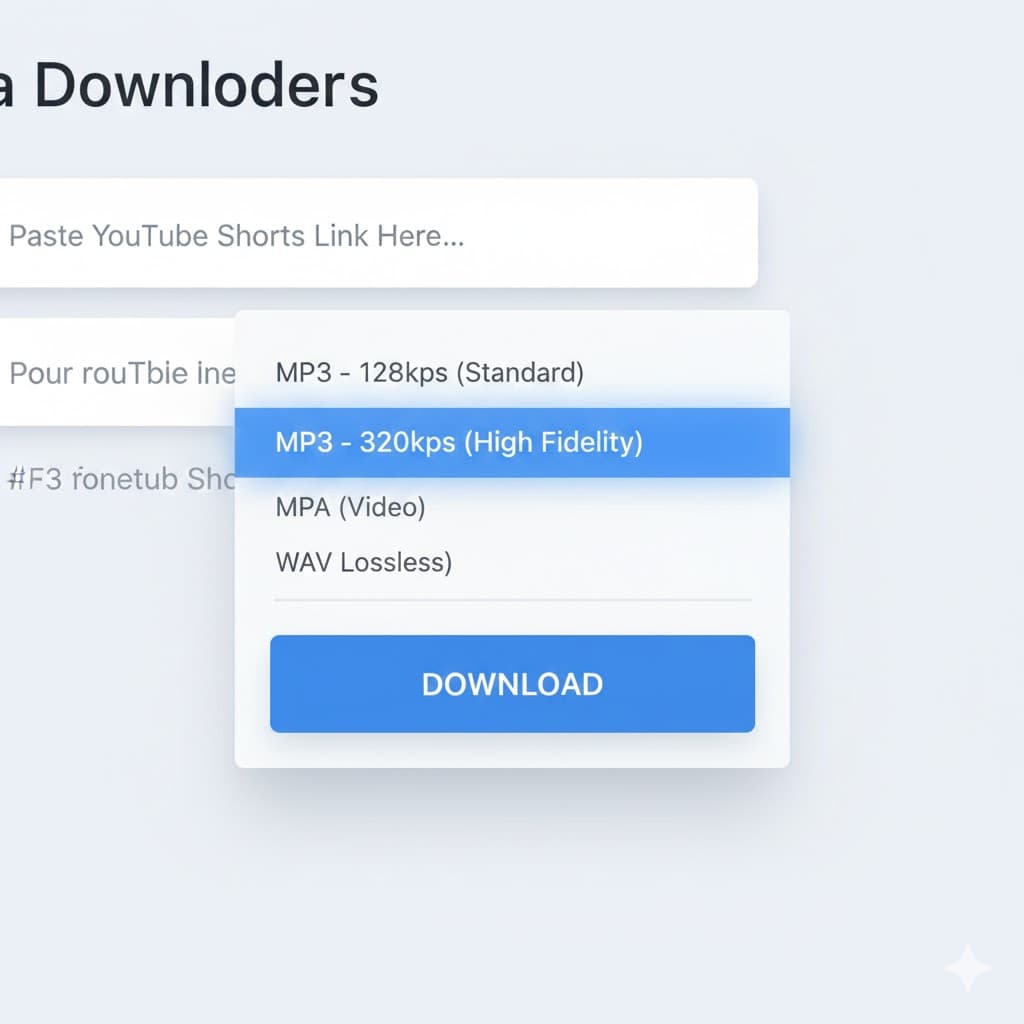
Step 3: Download and Verify Bitrate
Click 'Convert.' Our tool processes the audio stream and presents your ready-to-download file.
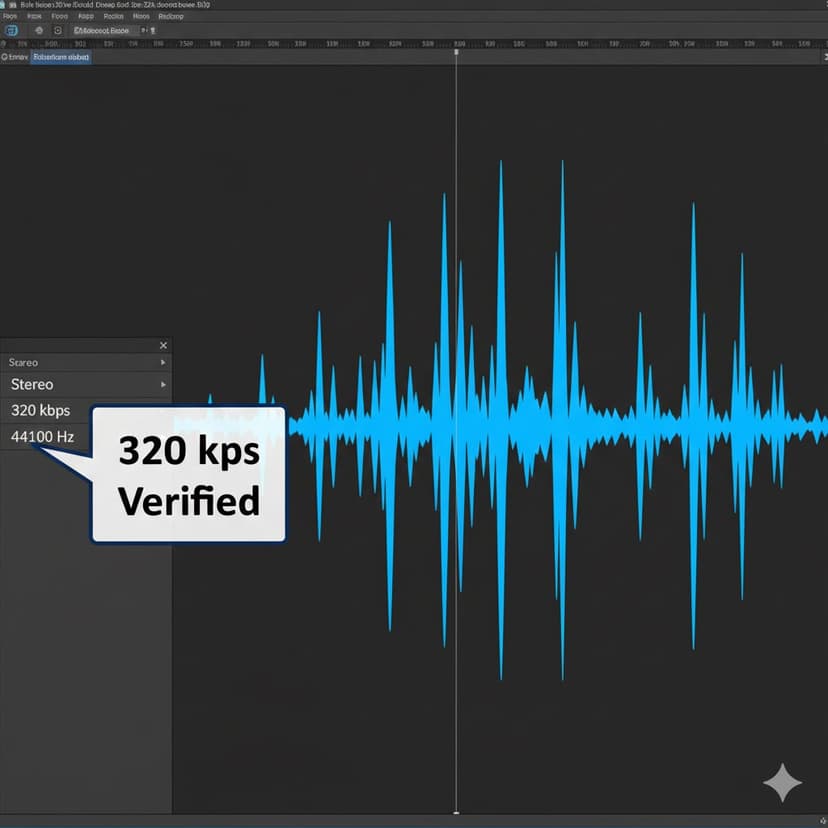
Expert Tip: After downloading, always check the file properties (or use software like Audacity) to verify the output bitrate and ID3 tags.
Developer's Pro Tip: ID3 Tags
"As a developer and an audio enthusiast, I always check the ID3 tags of my converted MP3s. Generic tools often strip this metadata, leaving you with 'Track 01.' We engineered our tool to automatically retain or regenerate essential tags (Artist, Title) from the YouTube source data, saving you the hassle of manually renaming hundreds of audio files for your archive."
4. Creator Workflow Hacks: Repurposing Extracted Audio
Original Test Data: Converting a 60-second Short with our tool takes an average of 5.2 seconds, resulting in a typical 2.5MB file (at 320kbps). This speed is essential for creators repurposing multiple clips quickly.
Sarah's Podcast Workflow
Challenge: Sarah, a podcast host, needed to guarantee 320kbps fidelity for her intro clips, as her show uses professional equipment.
The Result: Her audio editor praised the clean files, and the seamless process allowed Sarah to integrate timely, viral clips into her podcast workflow.
5. Troubleshooting & FAQ
- Q: My Shorts audio sounds distorted. What happened?
- A: This usually means the original video source was low-quality. Our tool can only extract the best quality available in the source file.
- Q: Can I extract audio from a video with copyrighted music?
- A: While the tool extracts the audio, the copyright still applies. Re-uploading copyrighted music without a license may lead to platform strikes. Consult the YouTube Music Policy.
Ready to Get High-Fidelity Audio?
Stop settling for low bitrate. Start using the specialized tool trusted by audio-conscious creators.
Go to the MP3 Downloader Tool Now